By Learn Digitally Simply | Digital Marketing Institute, Jaipur
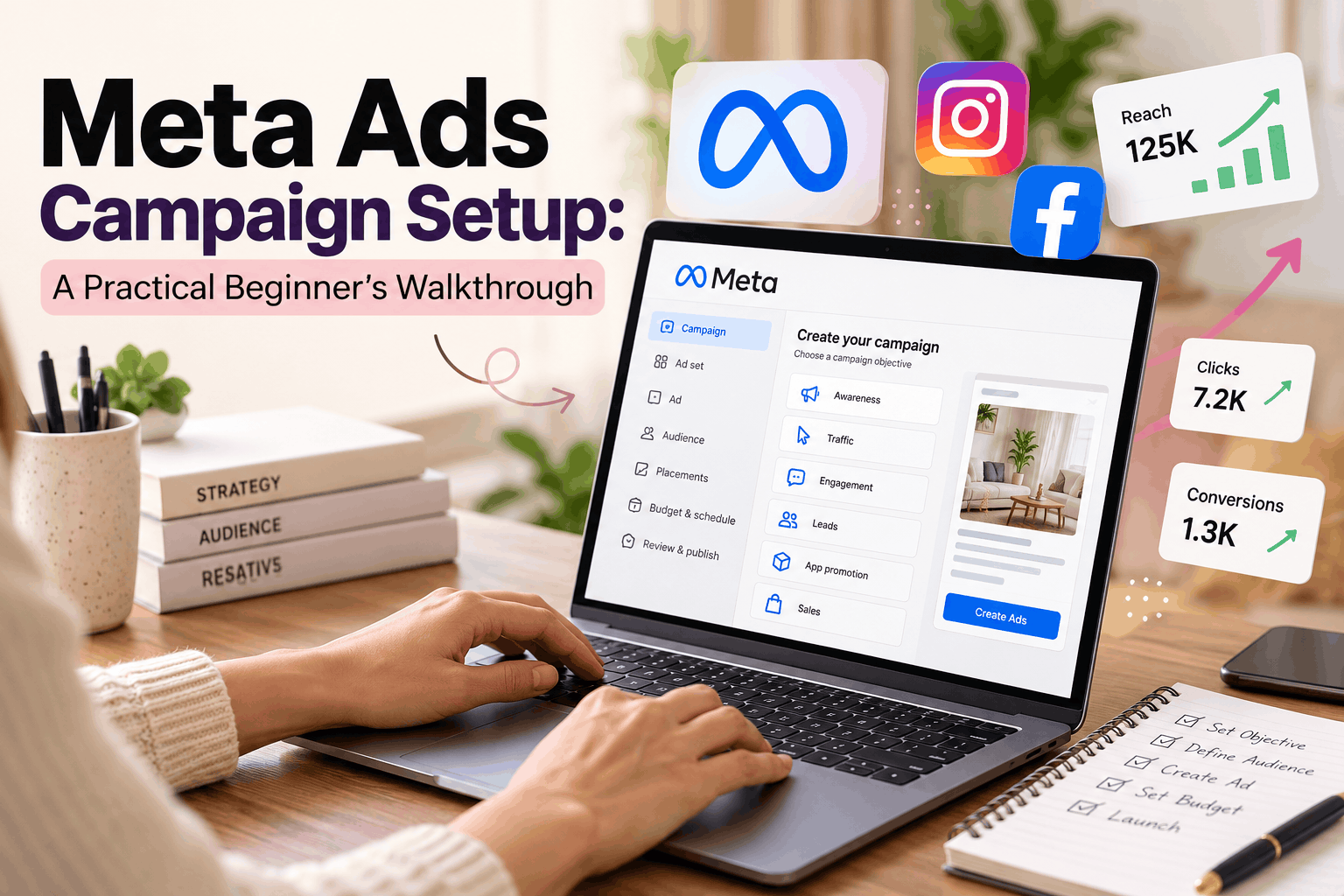
A Meta Ads campaign setup takes 8 steps in Meta Ads Manager: choose an objective, define your audience, pick placements, set a budget, upload creative, write ad copy, install the Meta Pixel, then publish and review results after 3 to 7 days. Match your objective to your real goal, like leads or sales, and everything else gets easier.
Why Beginners Waste Money on Meta Ads
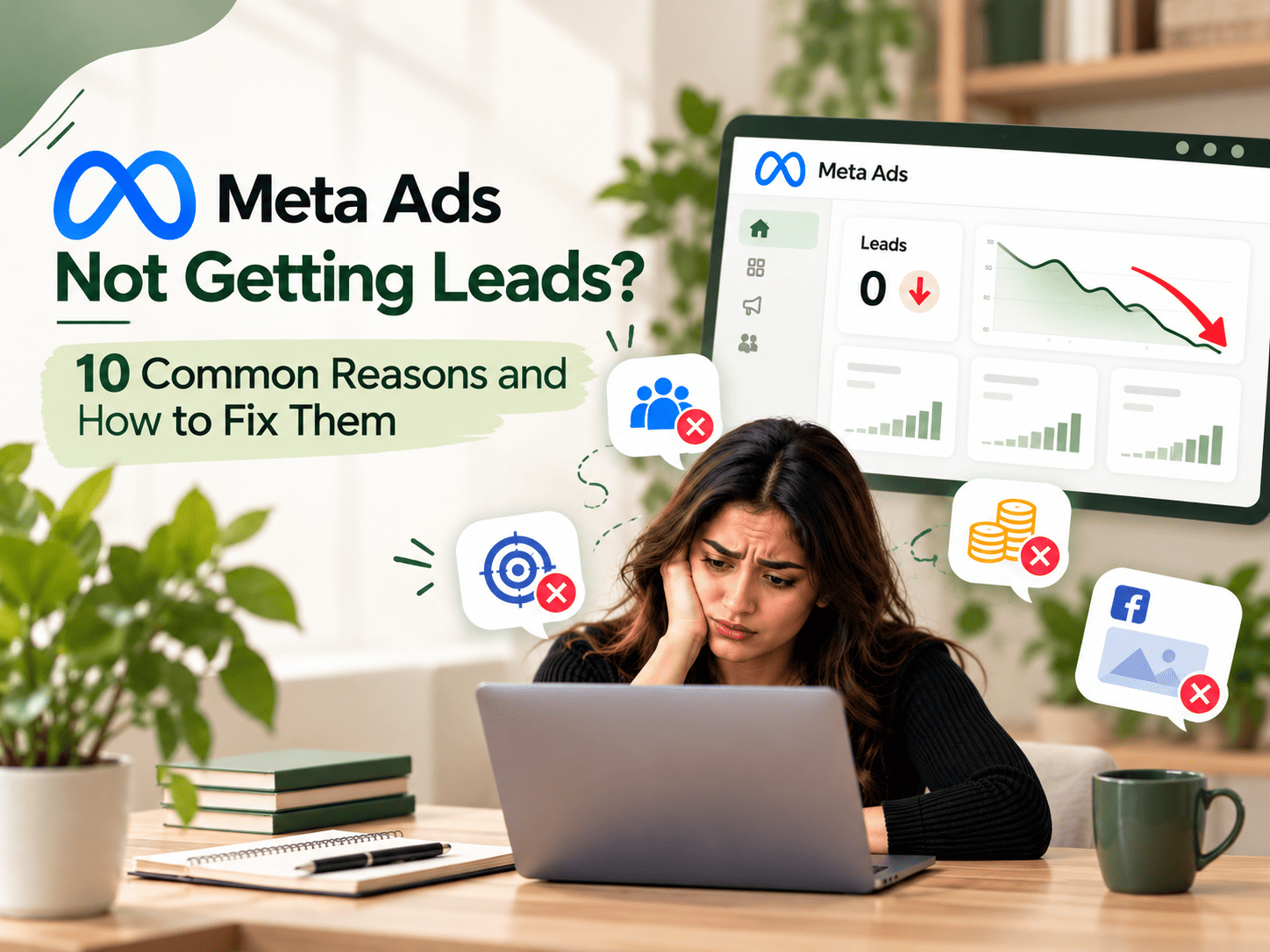
You boost a post, spend ₹2,000 and get nothing. No calls. No leads. It hurts, especially on a small budget.
The platform is rarely the problem. A rushed Meta Ads campaign setup is: no clear goal, a very wide audience and no tracking.
The good news is that it is fixable. More than 3 billion people use Meta apps every day, and India is one of its biggest markets. Your customers are already there. Our trainers at Learn Digitally Simply in Jaipur see the same beginner mistakes again and again, so we will point them out as we go.
What Is Meta Ads Manager?
Meta Ads Manager is the free tool for running paid ads on Facebook, Instagram and Messenger. New to social media ads? Our social media marketing course in Jaipur covers Facebook and Instagram marketing from the basics. Every campaign has three levels:
- Campaign: your goal (objective)
- Ad Set: audience, budget, schedule and placements
- Ad: image or video, text and button
Keep this structure in mind. It makes every Meta Ads campaign setup easier to follow.
Before You Start
Keep these four things ready:
- A Facebook Page linked to your Instagram account
- A Meta Business Account with a payment method
- One clear goal, like “30 enquiries this month”
- A simple offer, like a free demo class
Step-by-Step Meta Ads Campaign Setup
Step 1: Choose the Right Objective
Meta offers six objectives: Awareness, Traffic, Engagement, Leads, App Promotion and Sales. Pick the one that matches the action you want, because Meta looks for people likely to take that action.
- Phone numbers or forms? Choose Leads.
- Website visits? Choose Traffic.
- Online orders? Choose Sales.
Example: Imagine a Jaipur coaching centre picks “Engagement.” It gets likes, not admissions. Switching to “Leads” points Meta at people who fill forms.
Step 2: Define Your Target Audience
Decide who sees your ad:
- Location: Jaipur, or 10 to 15 km around your shop
- Age and gender: based on your real customers
- Interests: such as online courses or fitness
Avoid audiences that are too small or too big. For a local business, 100,000 to 1,000,000 people often works well. Have customer data? Build a Custom Audience or Lookalike Audience.
Step 3: Select Ad Placements
Placements are where your ad appears: Facebook Feed, Instagram Reels, Stories or Messenger. Beginners should keep Advantage+ placements on, so Meta shows the ad where it performs best. For more Facebook and Instagram tips, browse our Insights section.
Step 4: Set Your Budget and Schedule
Choose a daily or lifetime budget. For a first test, ₹300 to ₹500 per day is a reasonable start for many local businesses.
Remember the learning phase. Meta needs roughly 50 results in about a week to optimise your ad. Do not edit it every day. Give it time.
Step 5: Create a Scroll-Stopping Creative
Your ad creative is the first thing people notice.
- Use clear visuals with a real face or product
- Keep videos under 30 seconds, in vertical 9:16 format
- Put your main message in the first 3 seconds
Simple phone videos often beat polished designs because they feel genuine.
Step 6: Write Clear Ad Copy
Follow a simple flow: problem, solution, action.
“Struggling to get customers online? Join our free demo class in Jaipur and learn Meta Ads step by step. Book your seat today.”
Add one clear button, like “Sign Up” or “Send Message.”
Step 7: Install Tracking (Meta Pixel)
Without the Meta Pixel, your campaign runs half blind. This small code on your website tells Meta who visits, clicks and buys. You can install it from Meta Events Manager. In 2026, also add the Conversions API, because browsers now block many tracking signals.
Step 8: Review, Publish and Monitor
Check your objective, location, budget, links and spelling. Then publish. Review usually takes a few hours. After 3 to 7 days, track these numbers:
- CTR (click-through rate): is the ad attractive?
- CPC (cost per click): what does each visit cost?
- CPL (cost per lead): what does each enquiry cost?
- ROAS (return on ad spend): how much do you earn per rupee?
Which Objective Should You Choose?
| Business Goal | Best Objective | Best For |
| Get enquiries | Leads | Institutes, clinics, real estate |
| Get website visits | Traffic | Blogs, service websites |
| Sell products online | Sales | E-commerce stores |
| Build brand name | Awareness | New local businesses |
5 Common Mistakes in Meta Ads Campaign Setup
- Boosting a post instead of using Ads Manager
- Choosing the wrong objective
- Targeting all of India for a local business
- Skipping Pixel and conversion tracking
- Editing the ad again and again during the learning phase
Pro Tips From Real Campaigns
- Test at least 3 creatives in one ad set. Keep the best, pause the rest.
- Try WhatsApp or Messenger ads. Many Indian buyers prefer to chat before buying.
- Add a Jaipur area name in your copy. Local words build trust.
- Reply to leads within 10 minutes. Fast replies convert better.
Key Takeaways
- A strong Meta Ads campaign setup starts with one clear goal.
- Choose the objective that matches your real business action.
- Keep your audience focused, not too narrow and not too wide.
- Install the Pixel before you spend your first rupee.
Frequently Asked Questions (FAQs)
1. What is the first step in Meta Ads campaign setup?
Choose a campaign objective in Meta Ads Manager. Objectives like Leads, Traffic or Sales tell Meta which result to aim for.
2. How much does it cost to run Meta Ads in India?
You can start at ₹200 to ₹500 per day. The real cost depends on your industry, audience and competition.
3. How long does Meta ad approval take?
Most ads are reviewed within a few hours. Sometimes it takes up to 24 hours.
4. What is the difference between boosting a post and using Ads Manager?
Boosting is quick but limited. Ads Manager gives control over objectives, audiences, placements and tracking.
5. Do I need a website to run Meta Ads?
No. You can send people to Instagram, WhatsApp, Messenger or an instant form. A website adds more tracking options.
6. What is the Meta learning phase?
It is the early period when Meta tests your ad to find the best audience. It usually needs about 50 results in one week.
7. Which objective is best for beginners?
Leads or Traffic. Choose Leads if you want phone numbers or form fills.
8. Why are my Meta ads not getting results?
Common causes are the wrong objective, weak creative, a poor offer, missing Pixel tracking or an audience that is too broad.
Stop Guessing. Start Running Meta Ads That Bring Customers.
Reading is step one. Real results come from running live campaigns with an expert beside you.
At Learn Digitally Simply, a digital marketing institute in Jaipur, you learn Meta Ads campaign setup hands-on: objectives, audiences, creatives, Pixel and reports. No confusing jargon. No wasted ad money.
In your free demo class, you will:
- See a live walkthrough of Meta Ads Manager
- Get feedback on your business goal and target audience
- Learn how our digital marketing course in Jaipur takes you from beginner to job-ready
- Read real student stories and meet our trainers
Book Your Free Demo Class Now | Talk to Us on WhatsApp
Call +91-63671 55512. Visit our Jaipur centres in Jagatpura, Mansarovar and Vaishali Nagar.
Every week you wait, your ad budget goes to guesses. Start with a plan today.